 Discord
Research
Read the release package, review drawings, and understand the assemblies before cutting material.
Open source home cockpit simulator
A community-designed, home-built 1:1 F/A-18C Lot 20 simulator that joins physical structure, electronics, and software interfaces into a home cockpit for Digital Combat Simulator intended for personal non-commercial use only.
What it is
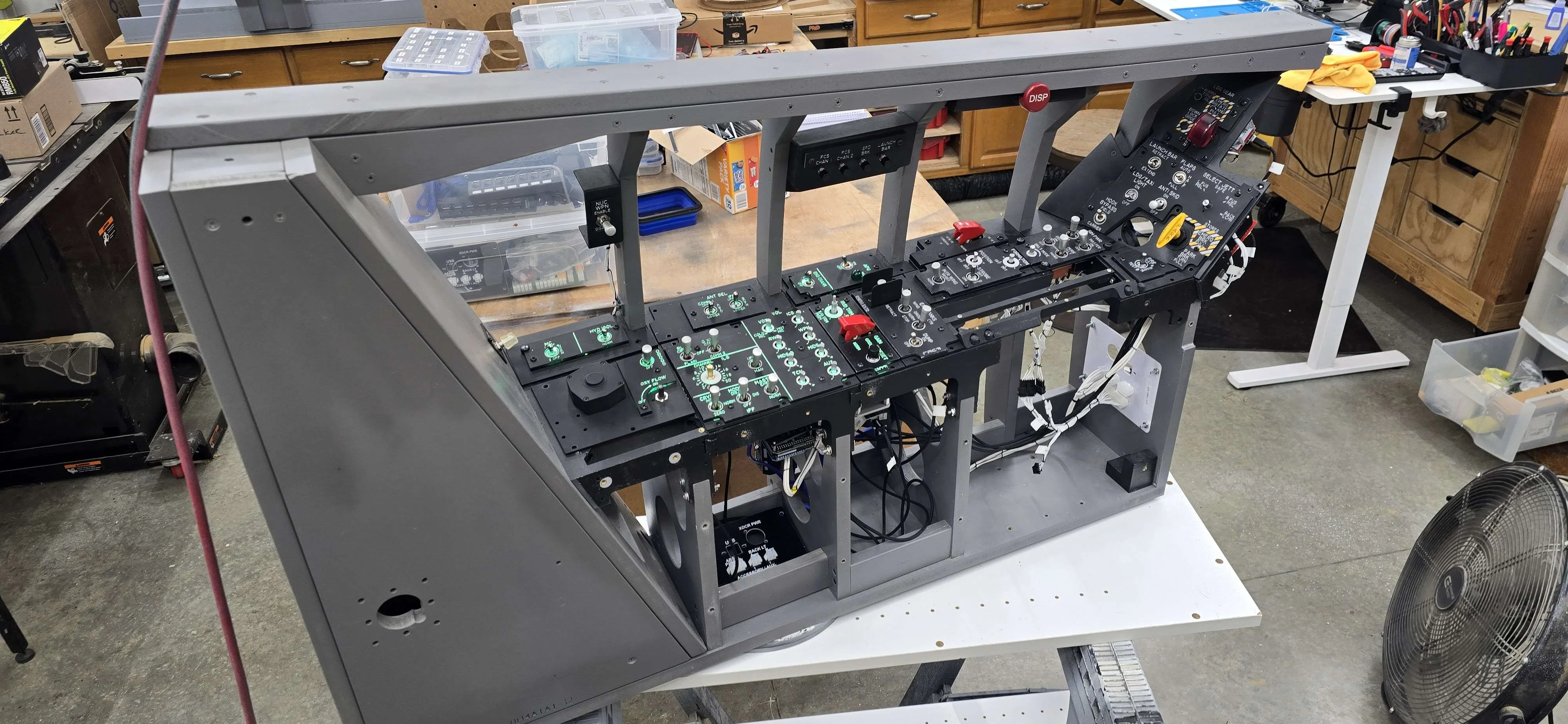
OpenHornet packages the mechanical, electrical, and integration work needed for you to build a full-scale F/A-18C simulator at home. Builders can manufacture parts themselves, buy from authorized vendors, and work with the community when the project gets delightfully technical.
Build steps
The project supports full self-fabrication, partial quick-build kits from authorized vendors, and community contribution for builders who want to improve the design itself.
Read the release package, review drawings, and understand the assemblies before cutting material.
Use Discord and GitHub issues to ask, fix, document, and share.
Build MDF, acrylic, FDM/SLA printed, and aluminum parts with the tooling assumptions documented in the project.
Wire panels, displays, backlighting, solder PCBs, power, and buses using the release interconnect drawings.
Experience the simulator as a pilot, testing all systems and enjoying the culmination of your build efforts.
OpenHornet is a beta project. Builders should exercise caution, follow instructions carefully, and understand some things may not work as expected.
Latest release
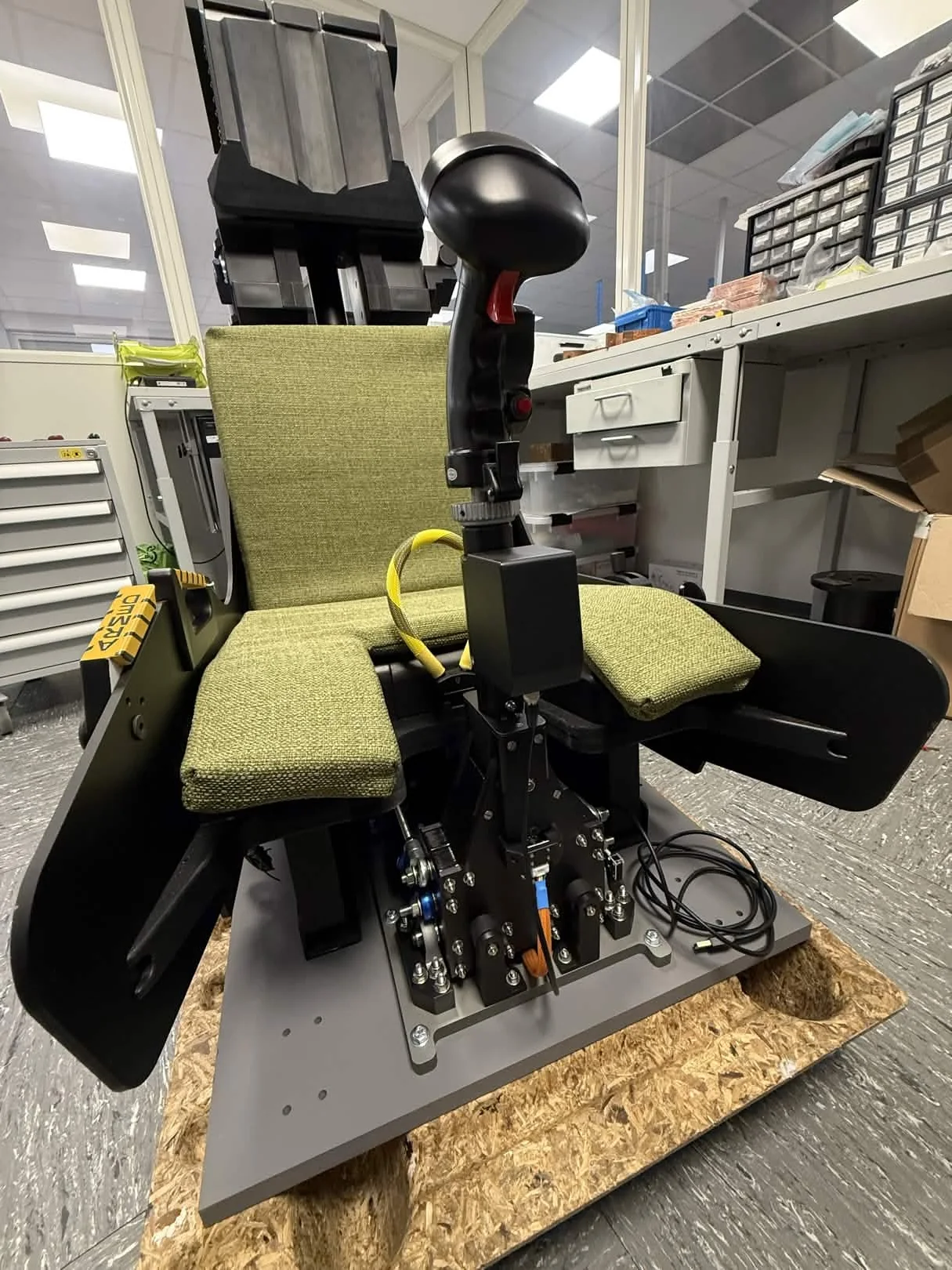
The latest hardware build package continues the airframe work with standards updates, hardware fixes, UFC development, user mods, and important known-issue notices for builders.
Core systems
OpenHornet is the most comprehensive home cockpit project available. Period. Releases include the mechanical, electrical, and software details needed to build a complete simulator.
MDF structure, 3D printed console surfaces, alignment brackets, and detailed manufacturing files.
Acrylic, Rowmark, lighting, and faceplate work to make cockpit panels readable and believable.
Arduino-based simulator interface boards using USB and master/slave RS-485 buses.
Community
The Discord community is the fastest path to builder help. GitHub is where release files, issues, software links, and development discussion stay traceable.
Support the project
OpenHornet uses PayPal donations to help cover infrastructure, development, and prototyping costs.
Creative Commons License
OpenHornet's works are licensed under a Creative Commons Attribution-NonCommercial-ShareAlike 4.0 International License.
This is a human-readable summary of, and not a substitute for, the license.
The licensor cannot revoke these freedoms as long as you follow the license terms.
You do not have to comply with the license for elements of the material in the public domain or where your use is permitted by an applicable exception or limitation.
No warranties are given. The license may not give you all of the permissions necessary for your intended use. For example, other rights such as publicity, privacy, or moral rights may limit how you use the material.
Under the public license, this would violate the NonCommercial clause of the OpenHornet license. Fortunately, we provide a path for individuals or businesses to apply for a license to sell OpenHornet parts or assemblies to end users for home entertainment purposes as an OpenHornet Authorized Vendor.
OH Authorized Vendor Application
Since every commercial use case is different, please reach out to us using our Contact Us form with a detailed description of the use case you are envisioning.
 GitHub